
AI Amazon Product Photo Editor
Try an example
Amazon Photo Scenarios
Edit text on Amazon product photos in seconds
Drag the slider to see how TextEditImage updates the text inside Amazon listing images — labels, packaging, prices, badges and callouts — while keeping the product and style intact.
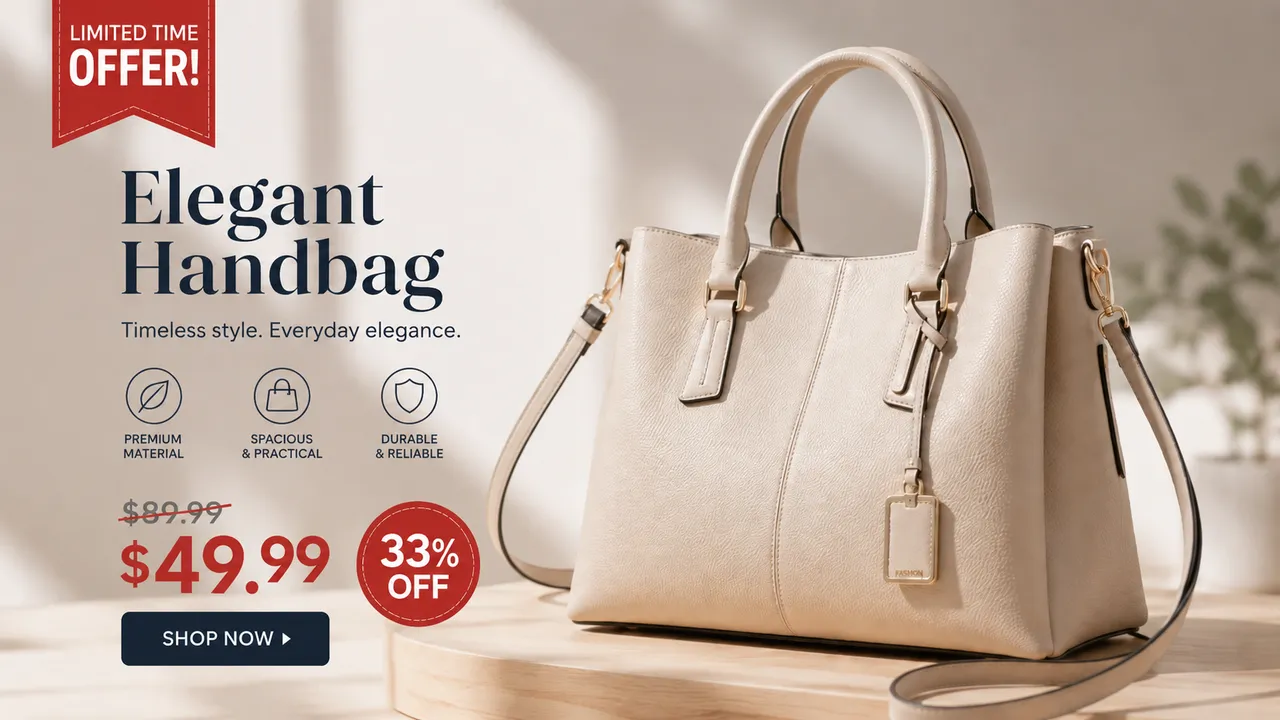
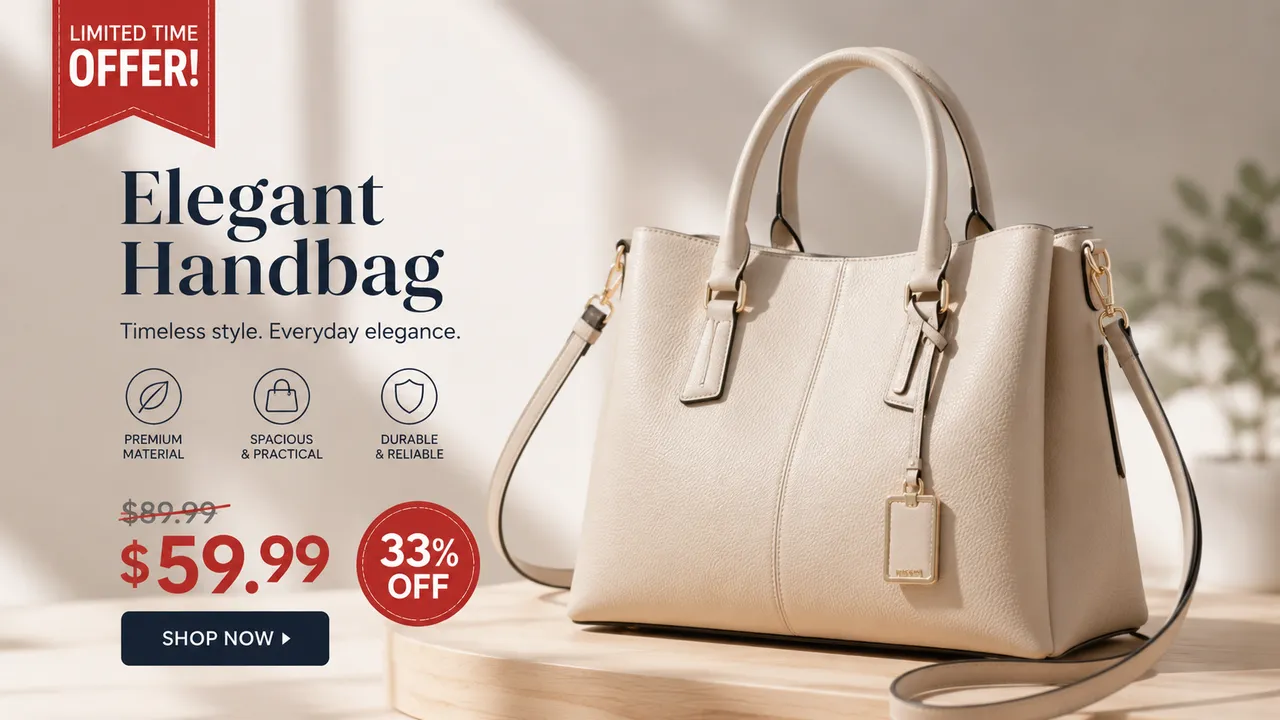
Change the label or packaging text
Swap the product name, volume or text printed on a label, box or sachet while keeping the fonts, colors and layout of the original design.
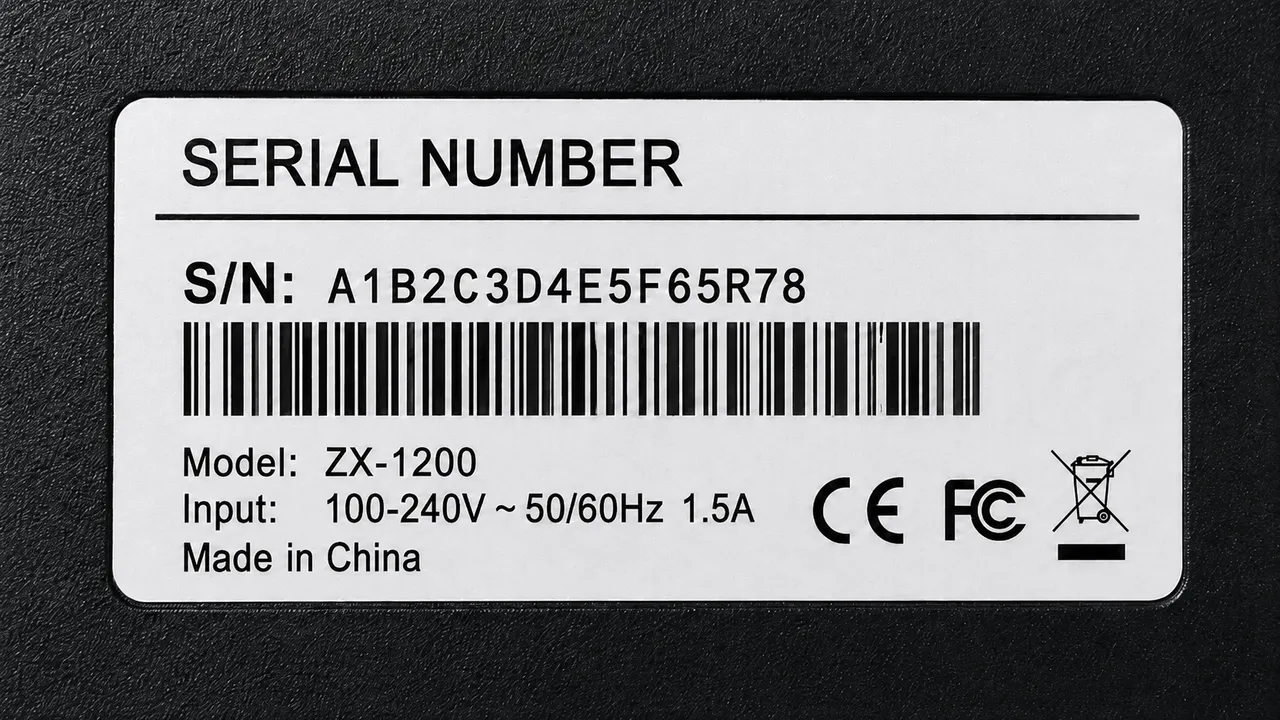
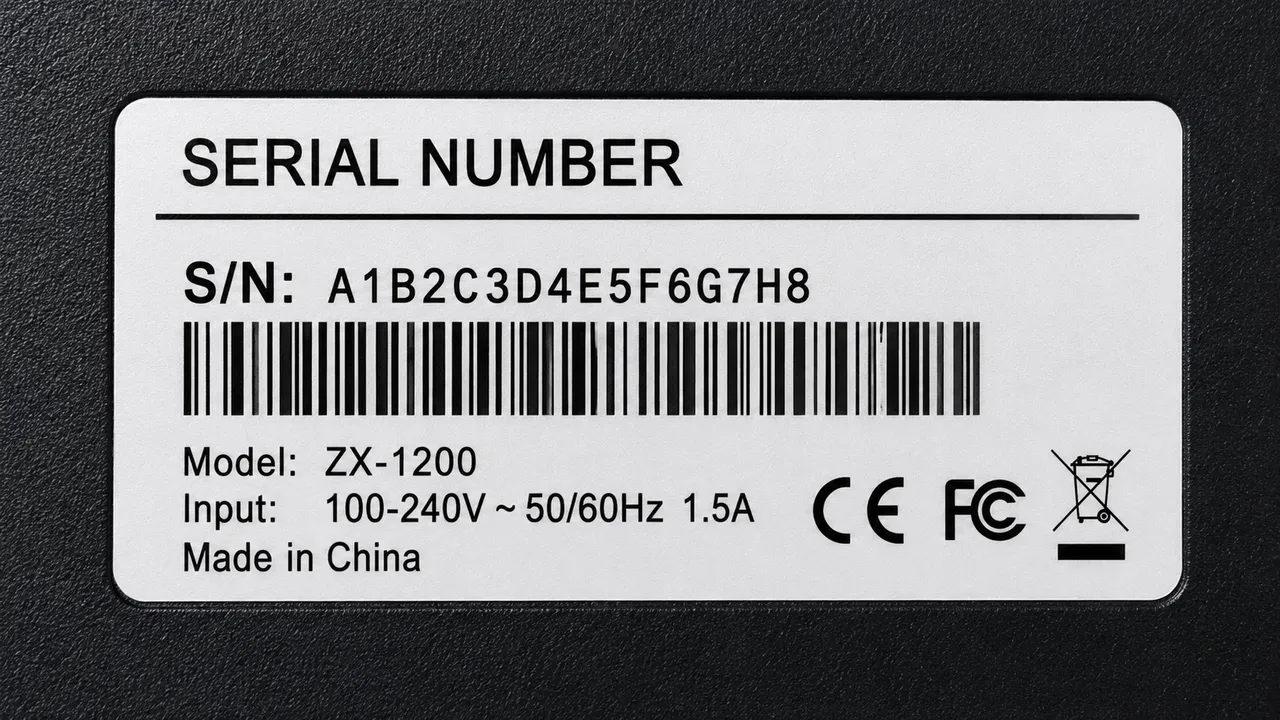
Update a price or promo badge
Change a price, discount badge or flash-sale callout on a product photo — the AI redraws the digits to match the style exactly.


Remove watermarks & supplier logos
Clean a watermark, supplier logo or copyright line off a listing image without leaving a trace — the AI fills the area to match.


Fix a feature callout or title
Rewrite a highlight, bullet or title baked into an infographic or feature image so it says exactly what the buyer needs to know.
Why TextEditImage
Edit Amazon product photos without a design tool
Amazon AI tools generate backgrounds and scenes but never touch text already printed on your product. TextEditImage redraws labels, packaging and callouts inside your existing photo — no Photoshop, no skills.
Edit from one sentence
Type "change the pack size to 500 ml and the price to $19.99" and the AI handles the OCR and redraw. No layers, no manual retouching.
Keeps the product and style intact
Editing Amazon product photos reads the label typeface, weight, color and perspective and redraws each edit to match the original packaging exactly.
Works on real listing files
Upload your exported product PNG or JPG and edit the text inside it directly — exactly the image your Amazon listing is showing.
Free online, no install
Edit Amazon product photos online with no download, no subscription and no credit card to start — then meet Amazon image guidelines.
3 Simple Steps
Edit an Amazon product photo in 3 steps
No design skills, no template hunt, no learning curve.
Upload your product photo
Drop in the Amazon listing image whose text, label or packaging you want to change.
Write what to change
Describe the new product name, volume, price or callout once — the AI applies it to the photo.
Download and re-upload
Review the edited image, tweak if needed, then re-upload it to your Amazon product photo listing.
The Difference
Best way to edit an Amazon product photo
Generative tools add backgrounds but can't edit printed text; Photoshop is slow and manual per image; TextEditImage changes the label, packaging and callout text inside your finished photo in seconds.
| TextEditImage | AI Photo Generators | Photoshop | |
|---|---|---|---|
| Edits text baked into the photo | Yes (AI) | Generate only | Manual |
| Keeps the product & packaging | Automatic | New scene | Manual |
| Matches original fonts & layout | Automatic | Template | Manual |
| One prompt for one image | Yes | No | Per-element |
| Free to start | Yes | Paid plans | Subscription |
“I had to change the pack size on 40 listings. One prompt on each label and the text matched the original perfectly.”
“Removing the factory branding from my supplier photos used to take hours in Photoshop. Now it's one sentence.”
“Repriced a flash deal by editing the badge on every variant image. The whole listing stayed consistent in minutes.”
“Other tools generate new backgrounds but never touched the text already on my box. This edits the actual label.”
“Changed a typo in a feature callout across my infographic without rebuilding it. Clean and pixel-accurate.”
FAQ
AI Amazon Product Photo Editor: FAQ
What is an AI Amazon product photo editor?
Can I edit text that is baked into a product photo?
Does it keep my images Amazon-compliant?
Can I fix or remove extra text like watermarks or supplier logos?
Can I update prices, promos or callouts on variant images?
Is it safe to edit my Amazon product photos?
Ready to edit your Amazon product photos?
Start with one free product photo edit — no credit card required. Then edit text on Amazon product images online whenever you need to.