
Edit Price on Product Image Free
Try an example
Built For Real Work
Edit price on product image in seconds
Drag the slider to see how TextEditImage edits the price on a product image while keeping everything else pixel-perfect.
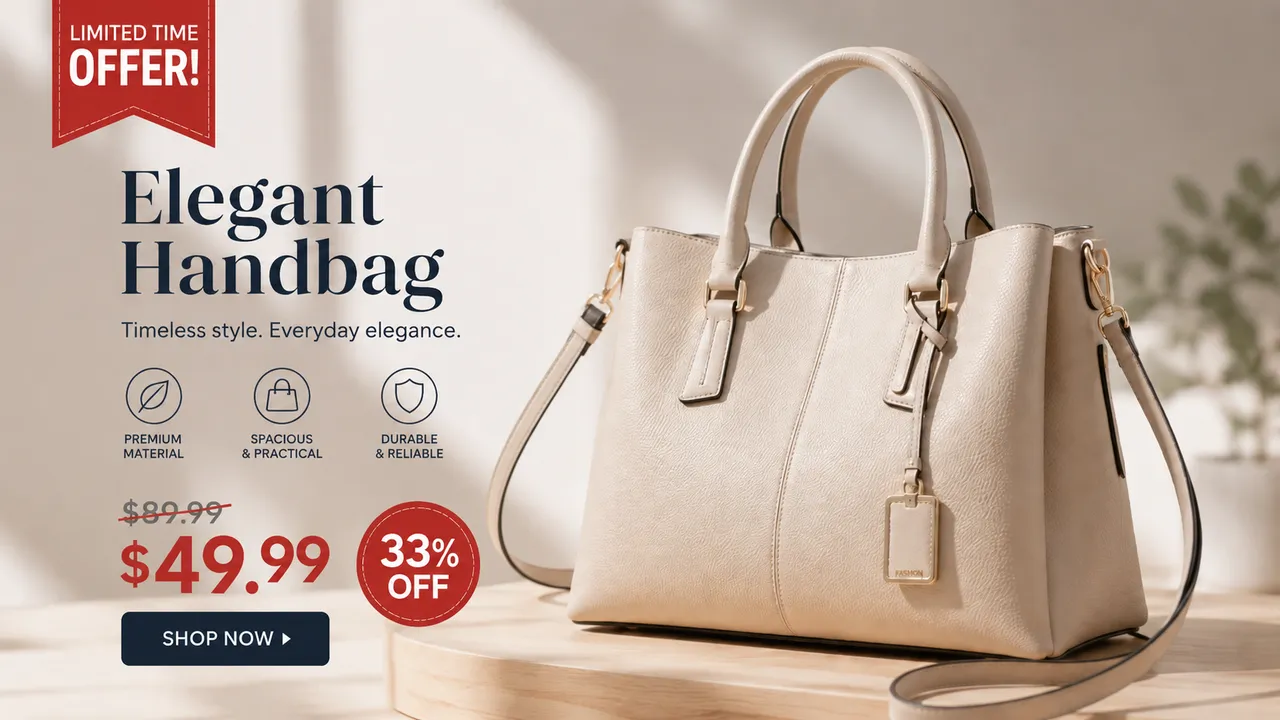
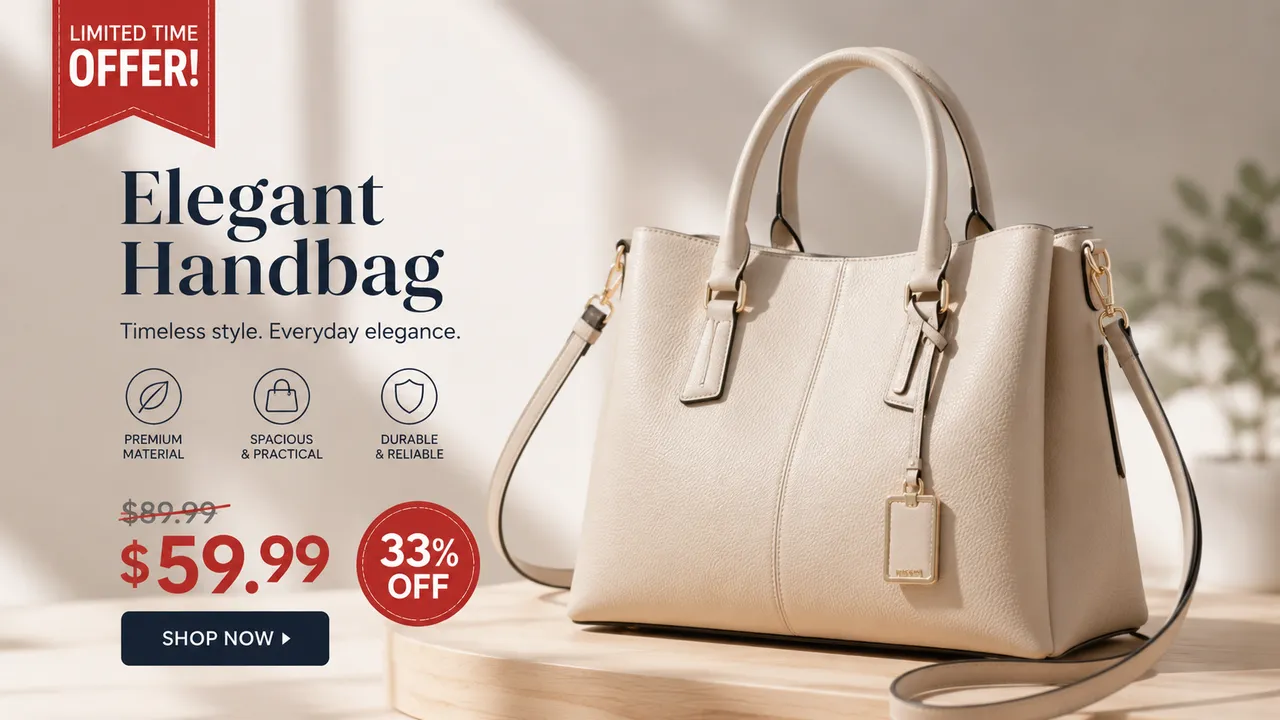
Change a price tag on a product photo
Promo time? Edit the price on product image to swap the tag in seconds — keeping the product, shadow and layout exactly as they are.
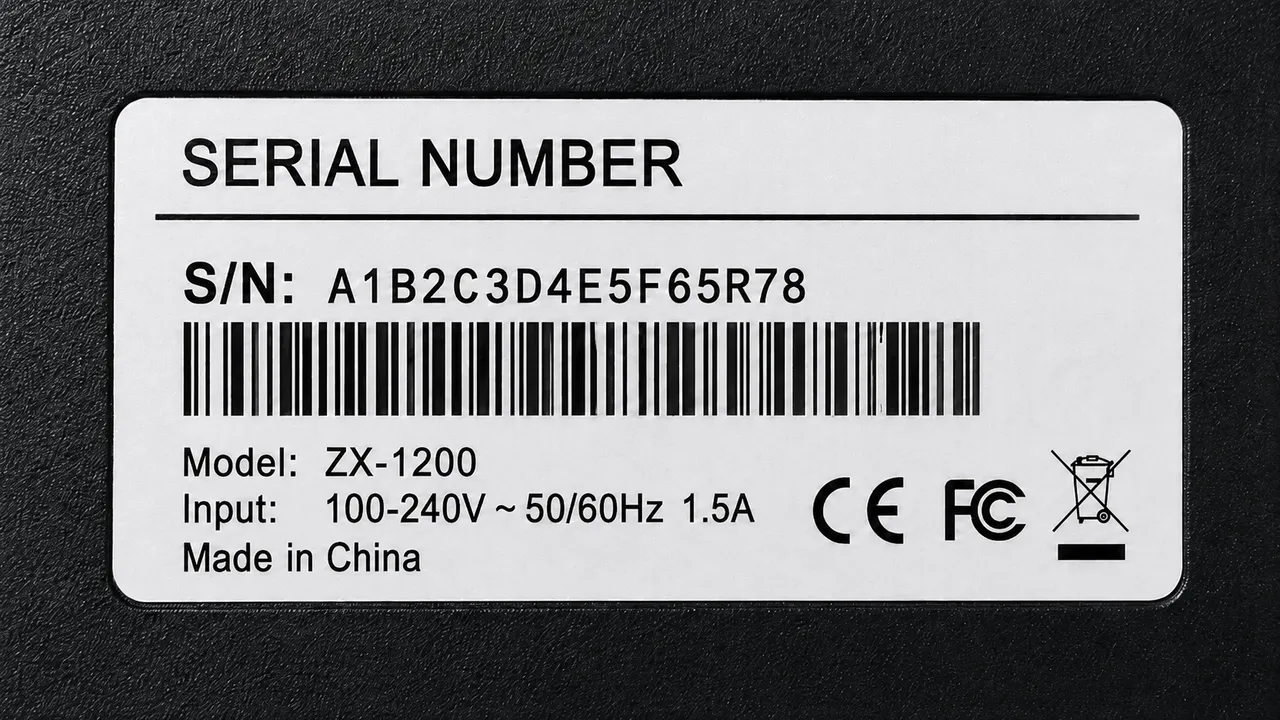
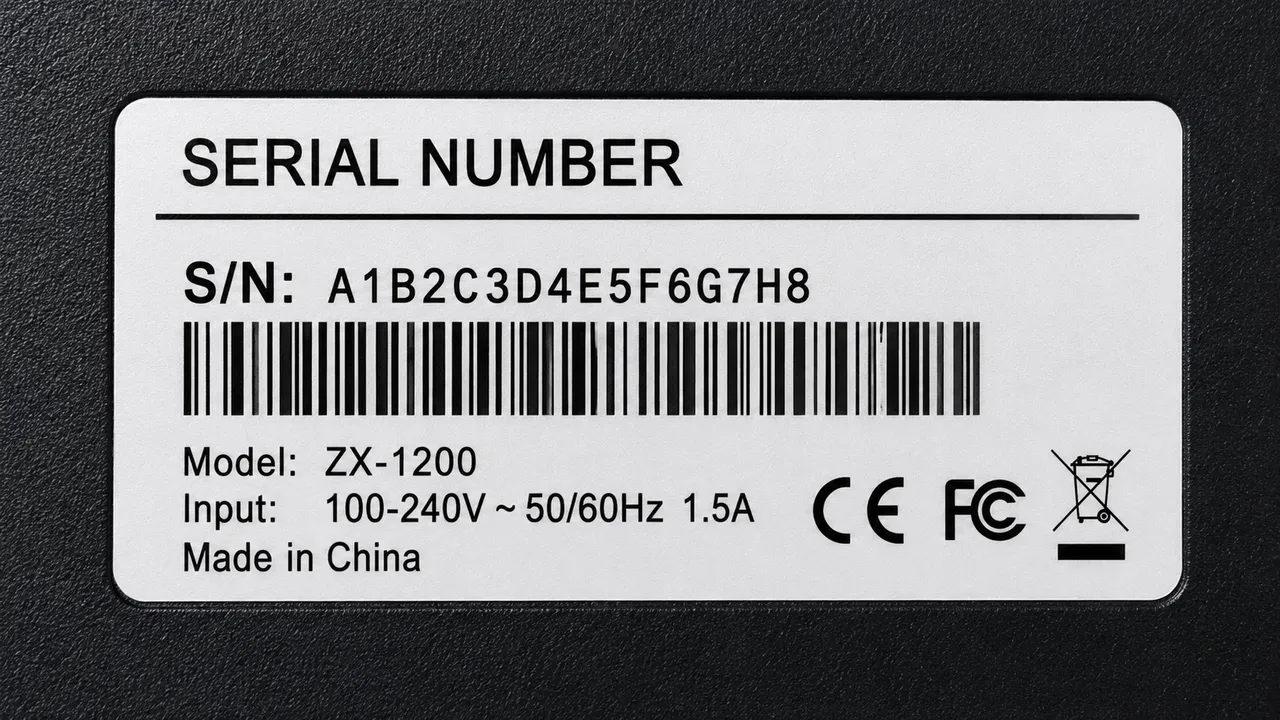
Update a promo number on a banner
Running a limited-time sale? Change the discounted figure on a banner in place instead of rebuilding the whole design.


Refresh a price on a menu or shelf label
Prices on menus and shelf labels move often. Edit them straight on the image and the sign still looks clean and printed.


Bulk-update prices across one asset set
Keep pricing consistent: edit the price on every product image in a series without re-shooting or re-opening the design files.
Why TextEditImage
Edit price on product image while keeping every pixel
Most editors paste a text box over your photo. TextEditImage redraws the price in place, so the edited number looks native to the image.
Edit price on product image with a prompt
Type the old figure and the new one — "change $49.99 to $39.99" — and the AI redraws the digits in place for you.
Keeps the original font and style
Unlike a basic price editor that pastes text, TextEditImage reads the typeface, weight, colour and perspective of the existing digits, then blends the replacement to match.
Preserves the product, shadow and layout
Only the price changes. The product, its reflection, the label design and the surrounding pixels stay exactly as they were.
Repairs the background automatically
When a price comes off, the pixels behind it are rebuilt from the surroundings — no empty boxes, no smudges, no obvious edit.
3 Simple Steps
Edit price on product image in 3 steps
No design skills, no Photoshop, no learning curve.
Upload your product photo
Drag in a PNG, JPG or WebP image with a visible price: a product photo, a promo banner, a menu or a shelf label.
Describe the new price
Tell the AI the current figure and the replacement — a photo price editor only needs one sentence: "change $49.99 to $39.99, keep the style".
Download the result
Preview the edited image, tweak if needed, and download a sharp 2K file ready for your store or campaign.
The Difference
Best way to edit price on product image
The best way to edit price on product image: Photoshop is powerful but slow, free editors paste a text box over your photo, and TextEditImage redraws the digits in place from a one-line prompt.
| TextEditImage | Photoshop | Free tools | |
|---|---|---|---|
| Design skills required | None | High | Low |
| Time to change one price | ~30 seconds | 10–30 minutes | 5–10 minutes |
| Keeps original font & style | Yes (AI) | Only if you rebuild it | Mostly overlays text |
| Preserves product & shading | Automatic | Manual | Rarely |
| Free to start | Yes | Trial only | Often watermark |
“I used to brief a designer every time a promo price changed. Now I type one line into TextEditImage and the product image price is updated before my coffee cools.”
“We switch listing prices constantly for flash sales. The editor keeps the tag font and shading, so the changed price never looks edited.”
“My banners went from "wait for design" to instant. One prompt, one updated price, and the style stays consistent across the whole campaign.”
“I update shelf prices before reprinting labels. Changing the number on the image takes seconds now, and the sign still looks professionally printed.”
“As a menu designer I swap dish prices constantly. The AI keeps the typography and layout tidy, which is exactly what printed menus need.”
“Investor-ready product visuals without hiring help. The edited prices look native, save me from rebuilding slides, and the free start is genuinely useful.”
FAQ
Edit price on product image: FAQ
Can I edit price on product image for free?
Will the new price match my photo font and style?
Do I need Photoshop to edit the price on a product image?
Can I change the currency symbol along with the number?
What kinds of product images can I edit the price on?
Is it safe to upload my product photos?
Ready to edit price on your product image?
Start with one free edit — no credit card required. Then change the price on any product image whenever you need it.