
Shopify Product Image Localization
Try an example
For Shopify Sellers
Localize product images in seconds
Drag the slider to see how TextEditImage turns a supplier photo with foreign text into a market-ready localized product image.
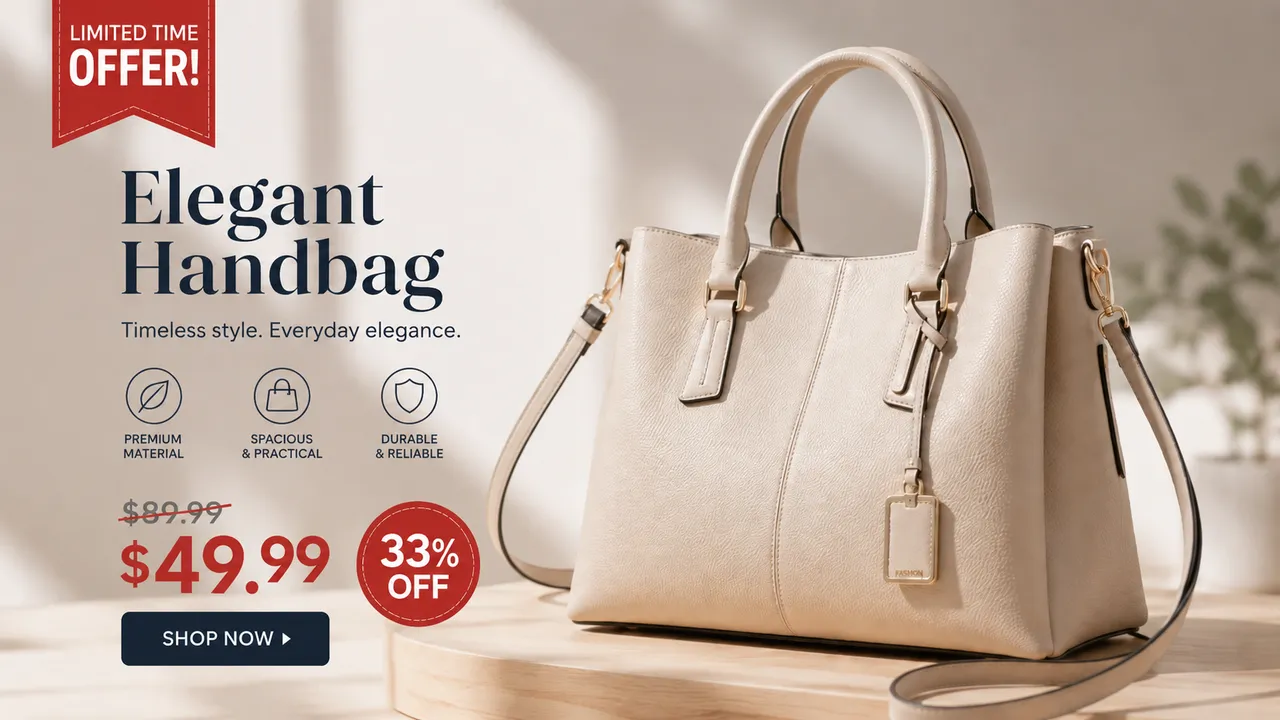
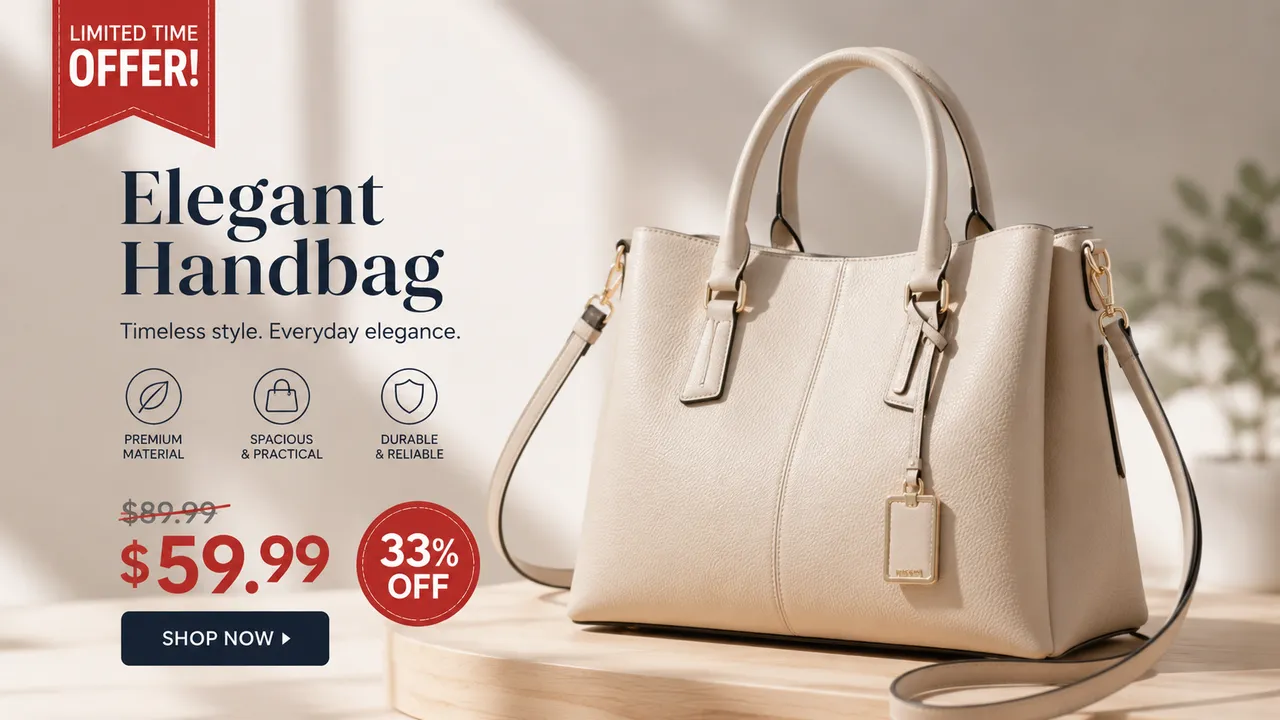
Localize a supplier photo
Sourced from Alibaba or 1688? Translate the Chinese text to English so the product photo reads like it was made for your market.
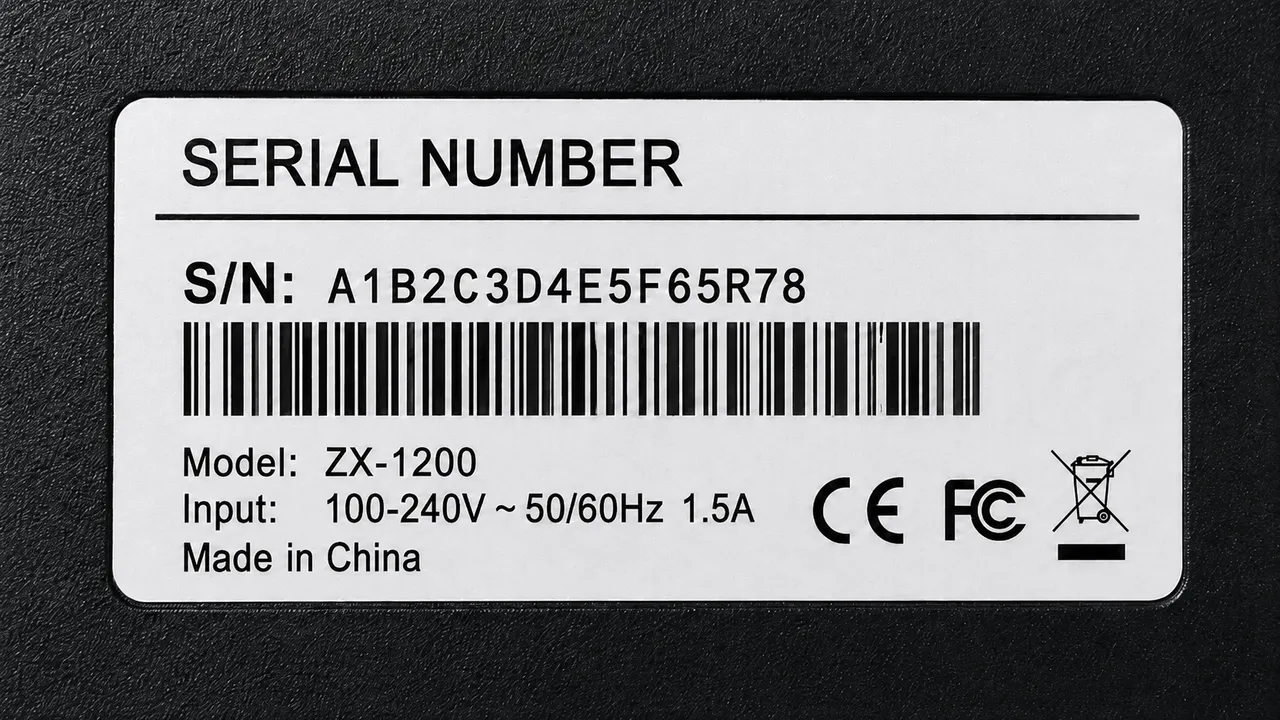
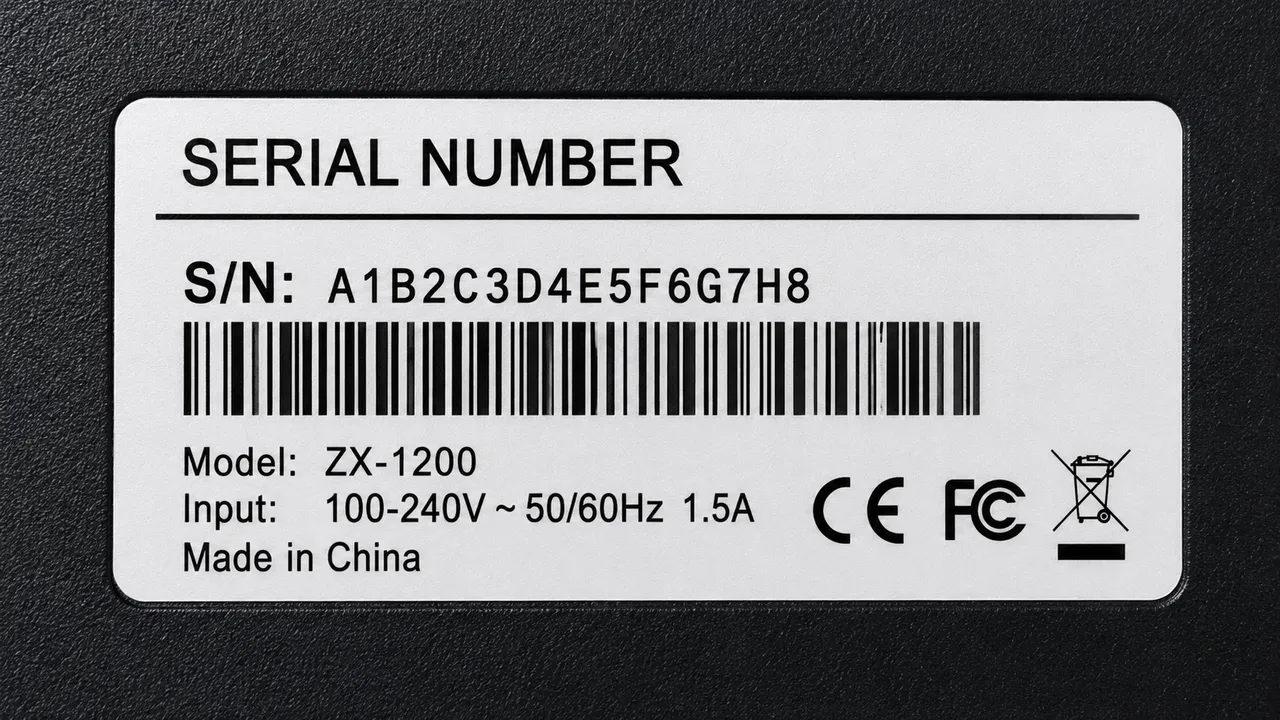
Localize packaging and labels
Translate packaging, ingredient lists and product labels into the language of the market you sell in — keep the design intact.


Localize a size chart
Turn a supplier size chart covered in foreign text into a clean English or Spanish infographic your buyers can actually read.


Localize a listing infographic
Rebuild a marketplace infographic with translated callouts — the callout boxes, layout and colors stay exactly as they were.
Why TextEditImage
Shopify product image localization without an app
Shopify apps translate store text but not text baked into a photo. TextEditImage localizes the image itself — no app, no theme edit, no design skills.
Localize from one sentence
Type "translate this label into English" and the AI handles the OCR, translation and redraw. No manual steps.
Keeps fonts, layout and lighting
Shopify product image localization reads the typeface, weight and perspective of the existing words and blends the new language to match the original design.
No app to install
Works right in the browser. Localize the image, download it, and upload the file to Shopify like any other product image.
Free online, no install
Localize Shopify product images online with no download, no Photoshop and no credit card required to start.
3 Simple Steps
Localize a product image in 3 steps
No design skills, no Shopify apps, no learning curve.
Upload a product image
Drop in a supplier photo, label, size chart or infographic with text you want localized.
Ask for the localization
Type one sentence — "translate this product image into English" — and pick the market language.
Upload it to Shopify
Preview the result, tweak a word if needed, then add the localized file to your Shopify product images.
The Difference
Best way to localize Shopify product images
Shopify apps translate store text but skip text in photos; Photoshop costs time and skills; TextEditImage localizes the product image itself in seconds.
| TextEditImage | Shopify apps | Photoshop | |
|---|---|---|---|
| App installation required | No | N/A | Yes |
| Redraws text baked in the photo | Yes (AI) | Only if you rebuild it | Mostly store text only |
| Keeps original fonts & layout | Automatic | Manual | Rarely |
| Design skills required | None | High | Low |
| Free to start | Yes | Trial only | Often paid plan |
“My supplier sends product photos covered in Chinese. One prompt localizes them into English and the listings finally look native to my market.”
“I used to hire a designer for every market. Now Shopify product image localization takes seconds and the layout never breaks.”
“The size charts from my factory were unreadable in English. Translated them into a clean infographic and refunds on sizing dropped.”
“Translate & Adapt handles my store text but not photo text. TextEditImage fills that gap — I localize the image and upload it the same day.”
“Localizing packaging for three EU markets used to take days. Now each image takes one prompt and the fonts stay perfectly matched.”
“No app, no learning curve. I translate the supplier photo, download it, and drop it straight into my Shopify gallery.”
FAQ
Shopify Product Image Localization: FAQ
What is Shopify product image localization?
Do I need to install a Shopify app to localize product images?
Will the translation keep my product photo and fonts?
Which languages can I localize product images into?
Is this for suppliers on Alibaba, AliExpress or 1688?
Is it safe to upload my product images?
Ready to localize your Shopify product images?
Start with one free localization — no credit card required. Then localize product images online whenever you need to.