
Bulk Edit Shopify Product Images
Try an example
Bulk Workflows
Edit many Shopify product photos at once
Drag the slider to see how TextEditImage updates the text across a batch of product images — prices, translations, watermarks and headlines — in one go.


Bulk change prices & currency
Update a price or currency symbol across many product photos at once — same font, color, shadow and layout in every image.
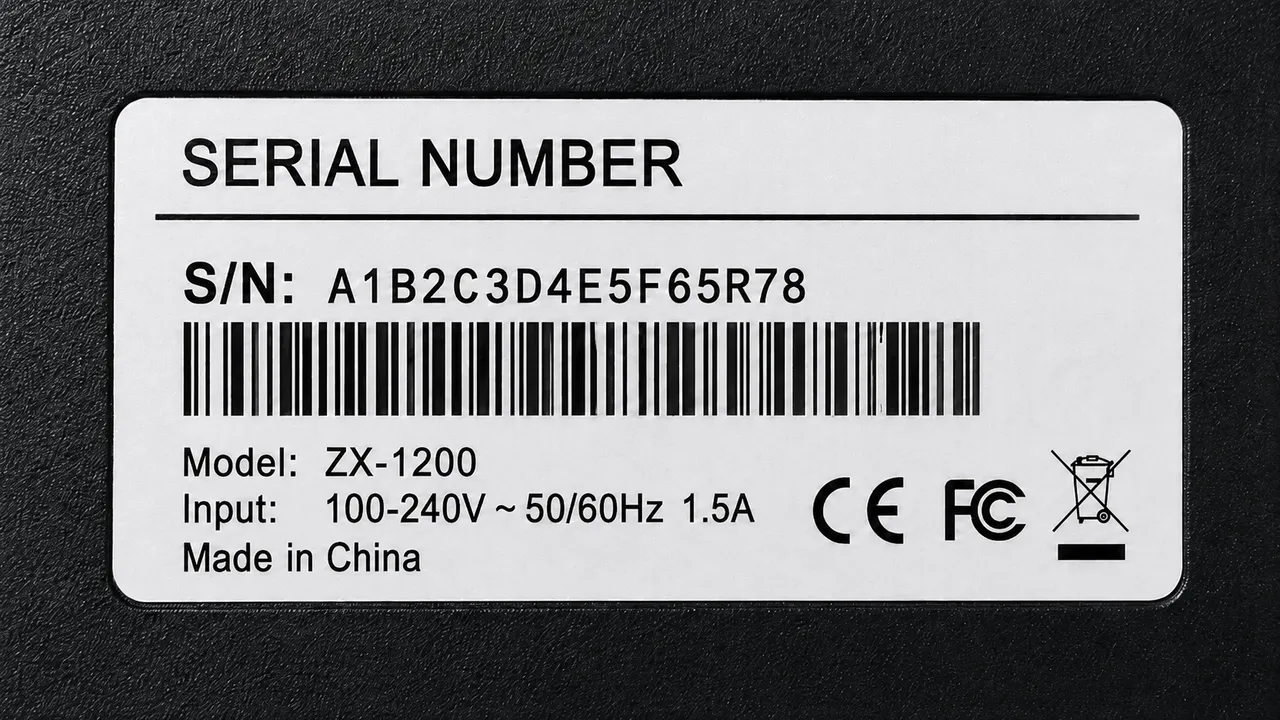
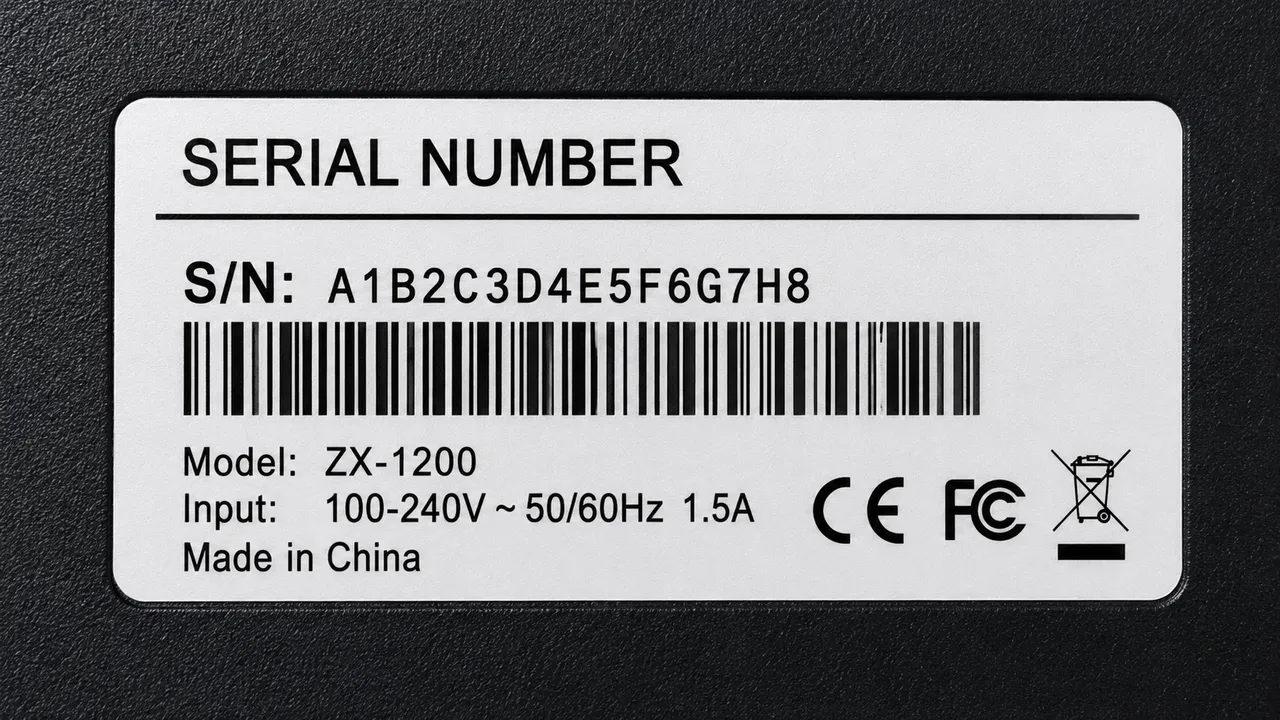
Bulk translate product images
Translate labels, packaging and infographics across a whole batch from one language to another for your target market.


Bulk remove watermarks
Erase a supplier logo or watermark from several product photos in a single batch, keeping each product visual intact.


Bulk update titles & badges
Refresh headlines, promo lines or sale badges across many product images consistently with one prompt.
Why TextEditImage
Bulk edit Shopify product images without an app
Shopify bulk-edit apps handle files, not the text in them. TextEditImage redraws words across many product photos in one batch — no app, no design skills.
Edit a whole batch from one sentence
Describe the change once — "update the price to $25.99 on these photos" — and the AI applies it consistently across the batch.
Keeps fonts, layout and lighting
Bulk editing Shopify product images reads the typeface, weight, color and perspective of each image and redraws each edit to match.
No app to install
Works right in the browser. Bulk-edit the images, download them, and upload the set to Shopify like any other product images.
Free online, no install
Bulk edit Shopify product images online with no download, no subscription and no credit card required to start.
3 Simple Steps
Bulk edit product images in 3 steps
No design skills, no Shopify apps, no learning curve.
Upload a batch of product images
Drop in several product photos or labels whose text you want to update in one go.
Write one bulk-editing prompt
Describe the change once — price, currency, translation, watermark or headline — for the whole batch.
Download and upload to Shopify
Review the batch, tweak any image if needed, then upload the edited files to your Shopify product images.
The Difference
Best way to bulk edit Shopify product images
Shopify bulk-edit apps manage files but never touch the text inside a photo; Photoshop costs hours per image; TextEditImage edits the entire batch in seconds.
| TextEditImage | Shopify bulk apps | Photoshop | |
|---|---|---|---|
| App installation required | No | N/A | Yes |
| Edits text baked in the photo | Yes (AI) | Only if you rebuild it | File metadata only |
| One prompt for a whole batch | Yes | No | Per-file |
| Keeps original fonts & layout | Automatic | Manual | Rarely |
| Free to start | Yes | Trial only | Often paid plan |
“I used to change prices one image at a time. Now one prompt updates the whole batch and I upload them to Shopify the same day.”
“My supplier photos carried a watermark across every shot. One bulk edit removed them all and the listings finally look clean.”
“Bulk translating twenty packaging images for a new market took one prompt. The fonts and layout never broke once.”
“Matrixify handles my files but never the text in them. TextEditImage edits the whole batch and I just re-upload.”
“Updating the sale badge across a hundred product photos used to take a full week with a designer. Now it is one prompt.”
“No app, no subscription. I bulk-edit the images before uploading, and seasonal promos go live in minutes.”
FAQ
Bulk Edit Shopify Product Images: FAQ
What does "bulk edit Shopify product images" mean?
Do I need a Shopify bulk-edit app to change text in product images?
Can I change prices or currency across many product photos at once?
Can I translate a batch of product images into another language?
Can I remove supplier watermarks or update headlines in bulk?
Is it safe to bulk edit my product images?
Ready to bulk edit your Shopify product images?
Start with one free batch edit — no credit card required. Then bulk edit product images online whenever you need to.