
GPT Image 2.5 Free Online
Try an example
Built For Real Work
Generate and edit images in seconds
Drag the slider to see how TextEditImage brings GPT Image 2.5 free online to your browser — while keeping everything else pixel-perfect.
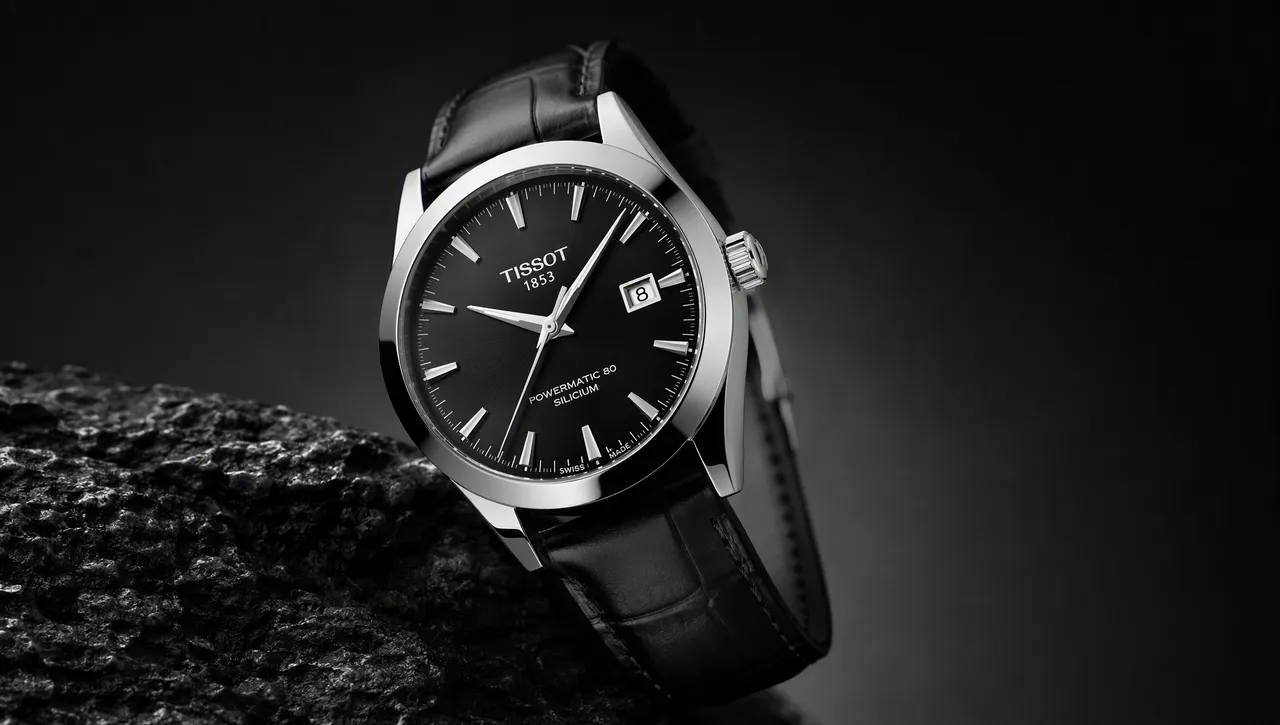
Generate a product shot in one prompt
Describe the scene and GPT Image 2.5 drafts a studio-quality product shot in seconds — no photographer, no studio hire.
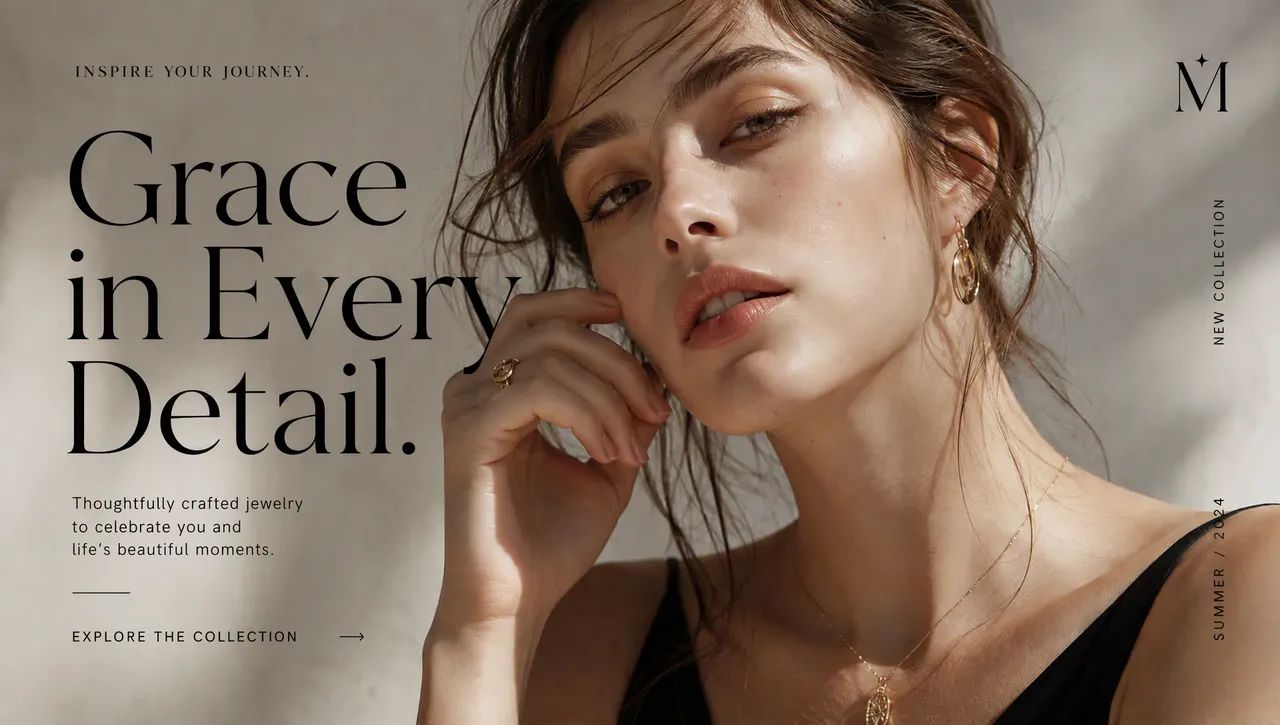
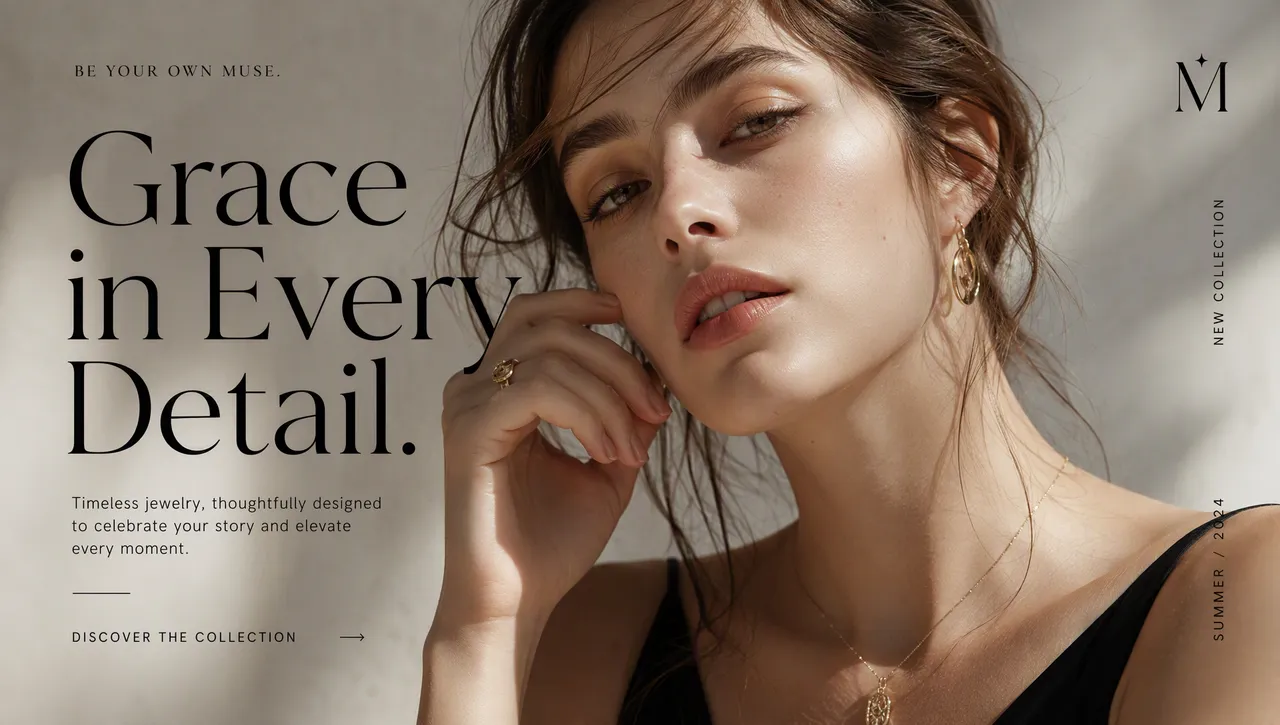
Swap text on a marketing image
Pushing a new campaign? Use the editor to replace the headline on a poster while the layout and style stay perfectly intact.
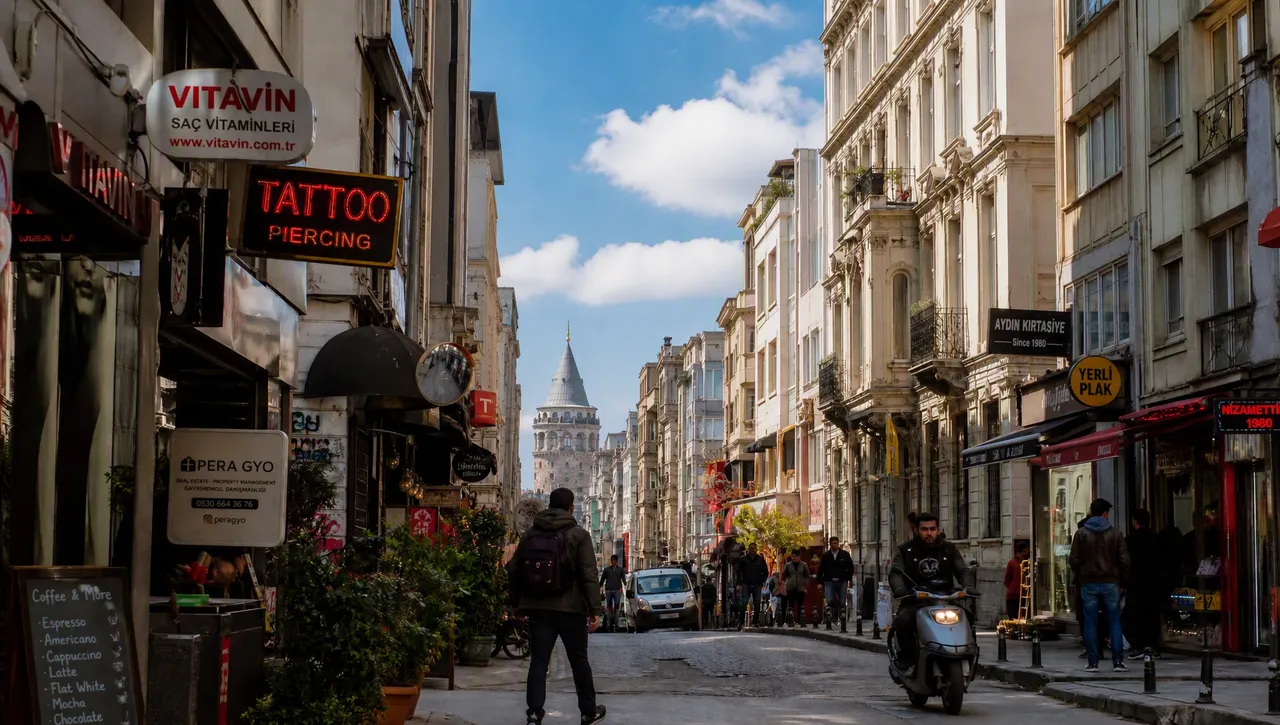
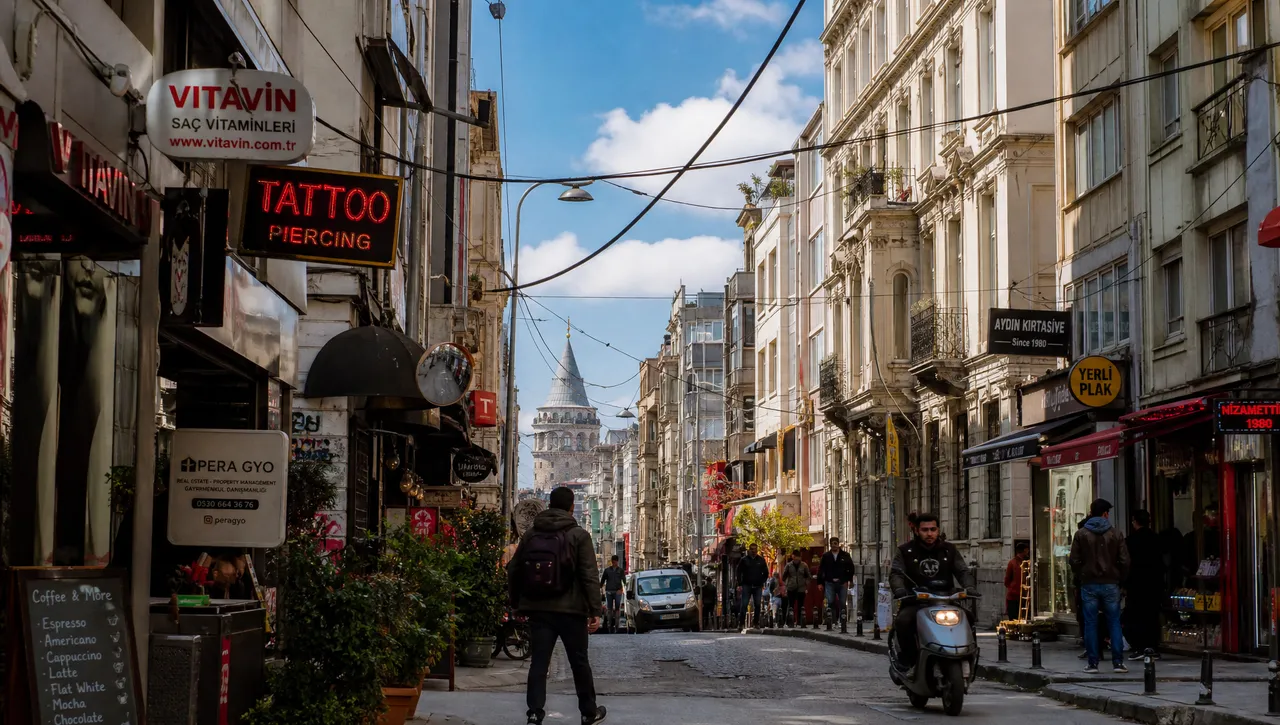
Remove clutter from a street photo
Passers-by, signs, cables — clean up any photo in place and keep the perspective looking completely natural.
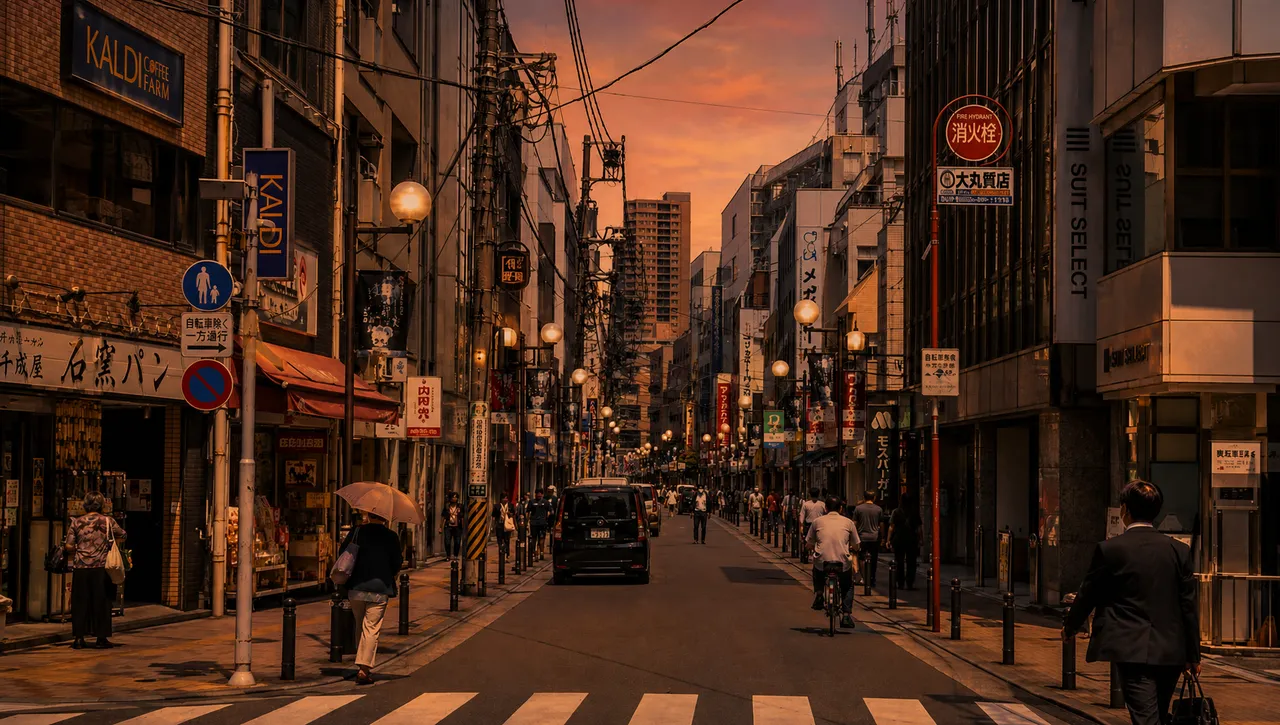
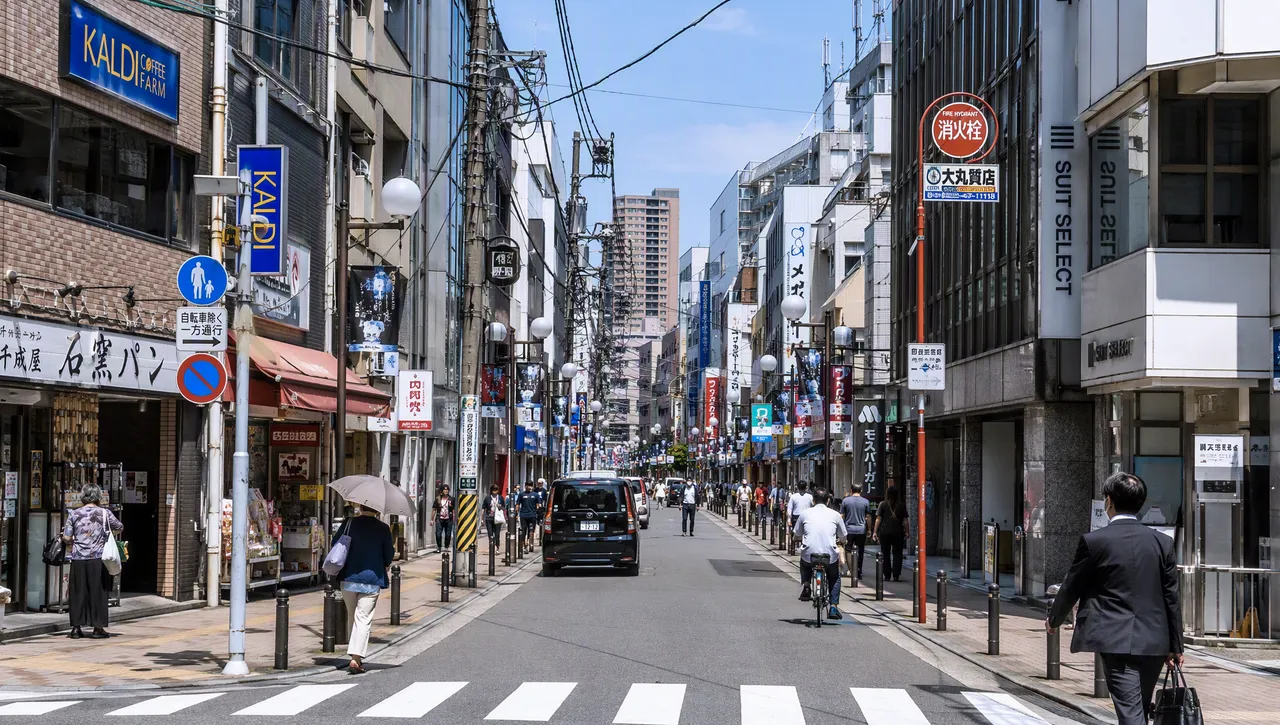
Re-style a scene without rebuilding it
Turn a daytime shot into a moody evening look in one sentence, keeping the same composition and lighting logic.
Why TextEditImage
GPT Image 2.5 that fits in your editor
Most tools open a separate canvas. TextEditImage brings GPT Image 2.5 free online straight into a prompt, so the result looks native to your workflow.
Generate from a plain sentence
Type what you want — "a studio product shot on a pastel background" — and GPT Image 2.5 draws it for you.
Edit images in place
When you use GPT Image 2.5, it can edit photos in place — swap text, remove objects, or restyle — keeping the surrounding pixels intact.
Keeps fonts, layout and lighting
When you edit text on an image, the model reads the typeface, weight and perspective of the existing words and blends the change to match.
Free online, no install
Run GPT Image 2.5 free online in your browser. No download, no GPU, no credit card required to start.
3 Simple Steps
Generate with GPT Image 2.5 in 3 steps
No design skills, no Photoshop, no learning curve.
Describe what you want
Write one sentence for the image generator — what is in the scene, the style, the mood. GPT Image 2.5 handles the rest.
Let the AI generate or edit
A good GPT Image 2.5 tool only needs your prompt — or your photo plus an instruction to change part of it.
Download the result
Preview the image, tweak if needed, and download a sharp high-resolution file ready for web, print or documents.
The Difference
Best way to generate images
The best way to generate and edit images: Photoshop is powerful but slow, basic free tools box you into templates, and GPT Image 2.5 free online on TextEditImage redraws everything from a sentence.
| TextEditImage | Photoshop | Free tools | |
|---|---|---|---|
| Design skills required | None | High | Low |
| Time to get one image | ~30 seconds | 10–30 minutes | 5–10 minutes |
| Edit text in place | Yes (AI) | Only if you rebuild it | Mostly overlays text |
| Keeps layout & lighting | Automatic | Manual | Rarely |
| Free to start | Yes | Trial only | Often watermark |
“I used to brief a designer for every campaign asset. Now I type one sentence into GPT Image 2.5 free online and the visual is ready before my coffee cools.”
“We swap the headline on landing-page mockups constantly. The editor keeps the brand font and layout, so stakeholders stop mistaking it for a rough draft.”
“My thumbnails went from flat to clickable. One prompt, one image, and the style stays consistent across the whole channel.”
“I clean product photos before listing them. Removing a cable or a watermark takes seconds now, and the lighting never looks edited.”
“As a teacher I generate worksheet images in minutes. The model keeps the layout tidy, which is exactly what I need for printed material.”
“Investor decks get on-brand visuals without hiring help. It looks professional, saves me from rebuilding slides, and the free start is genuinely useful.”
FAQ
GPT Image 2.5: FAQ
Can I use GPT Image 2.5 for free online?
What is the difference between GPT Image 2.5 and ChatGPT Image 2.5?
Can I edit images with GPT Image 2.5?
What can I create with an image generator?
Do I need Photoshop or design skills?
Is it safe to upload my images?
Ready to generate with GPT Image 2.5?
Start with one free generation — no credit card required. Then use GPT Image 2.5 free online whenever you need it.