
Edit Numbers in Image Free
Try an example
Built For Real Work
Edit numbers in image in seconds
Drag the slider to see how TextEditImage edits numbers in image while keeping everything else pixel-perfect.


Change a price on a product photo
Need to update a price tag or promo number? Edit numbers in image in seconds while keeping the product, shadow and layout exactly as they are.
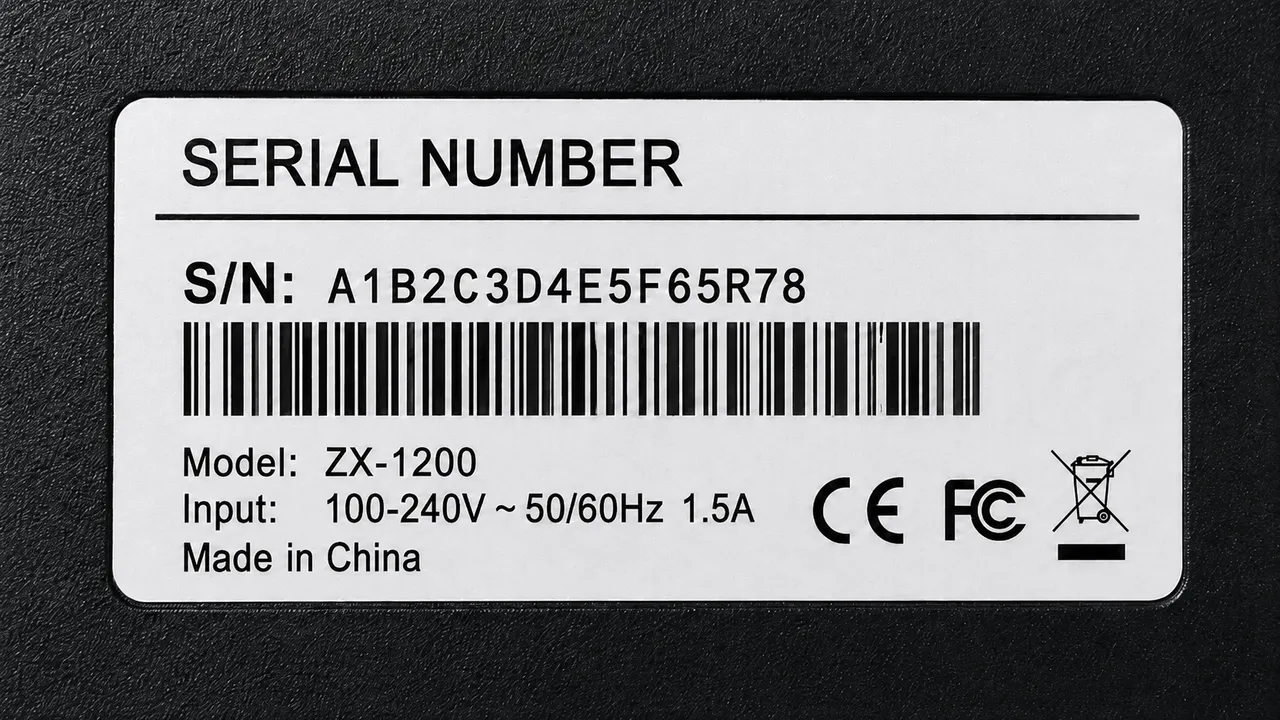
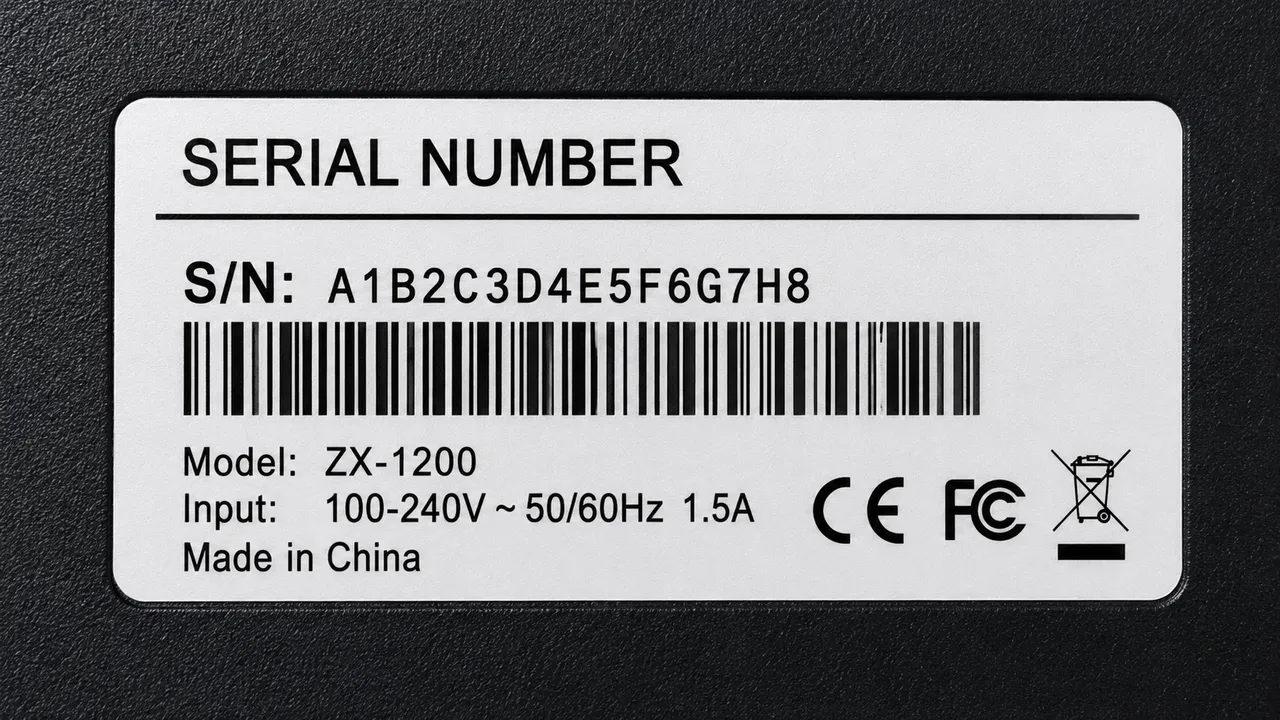
Fix a model or serial number
A wrong model code or serial number on a label is awkward. Edit numbers in image to correct the digit in place instead of redoing the label.


Update an amount on a receipt
Totals and quantities change fast. Edit numbers in image on a receipt or invoice and the document still looks clean and official.


Remove a number from a photo
Clean an unwanted count, code or timestamp off a photo entirely — the AI repairs the background so it looks untouched.
Why TextEditImage
Edit numbers in image while keeping every pixel
Most editors paste a text box over your image. TextEditImage redraws the digits in place, so the result looks native.
Edit numbers in image with a prompt
Type the old number and the new one — "change 9.99 to 12.99" — and the AI redraws the digits for you.
Keeps the original font and style
When you edit numbers in image, the AI reads the typeface, weight, colour and perspective of the existing digits, then blends the replacement to match.
Nine models for every number edit
Pick the engine that handles your photo best — price tags, LCD model codes and barcode digits included.
Repairs the background automatically
When the numbers come off, the pixels behind them are rebuilt from the surroundings — no empty boxes, no smudges.
3 Simple Steps
Edit numbers in image in 3 steps
No design skills, no Photoshop, no learning curve.
Upload your photo
Drag in a PNG, JPG or WebP photo with a visible number: a price tag, a product screenshot, a receipt.
Describe the new number
Tell the AI the current number and the replacement when you edit numbers in image — "change 9.99 to 12.99, keep the style".
Download the result
Preview the edited photo, tweak if needed, and download a sharp 2K image ready for sharing or documents.
The Difference
Best way to edit numbers in image
The best way to edit numbers in image: Photoshop is powerful but slow, free editors paste a text box over your image, and our AI editor redraws the digits in place.
| TextEditImage | Photoshop | Free editors | |
|---|---|---|---|
| Design skills required | None | High | Low |
| Time to edit one number | ~30 seconds | 10–30 minutes | 5–10 minutes |
| Keeps original font & style | Yes (AI) | Only if you rebuild it | Mostly overlays text |
| Background repair after removal | Automatic | Manual (clone stamp) | Rarely |
| Free to start | Yes | Trial only | Often watermark |
“I used to rebuild product images in Photoshop just to fix a price. Now I can edit numbers in image in under a minute and the result still looks like the original shot.”
“As an e-commerce manager, I edit numbers in image every week for price updates. This tool keeps the font and background intact, so I never need to ask a designer for small tweaks.”
“We correct serial and model numbers on product labels for clients. Now we edit numbers in image in seconds and the labels still look official. It shaved days off our turnaround.”
“I was skeptical, but the AI actually matched the original font when I edited numbers in image. The background repair is the part that sold me.”
“My team fixes numbers on shared product screenshots daily. Being able to edit numbers in image without Photoshop lets us turn around help docs in minutes.”
“I edit numbers in image for pitch decks and investor updates. It looks professional, saves me from recreating slides, and the free start is genuinely useful.”
FAQ
Edit numbers in image: FAQ
Can I edit numbers in image for free?
Do I need Photoshop or design skills to edit numbers in image?
Will the new numbers match my photo's font and style?
Can I remove numbers from a photo instead of changing them?
What kinds of numbers can I edit in image?
Is it safe to upload my photos?
Ready to edit numbers in image?
Start with one free edit — no credit card required. Then edit numbers in image whenever you need it.