
Edit Text in Banner Ad
Try an example
Ad Scenarios
Edit text in banner ads in seconds
Drag the slider to see how TextEditImage updates the text inside display and social banner ads — headlines, promo copy, prices and CTA buttons — in one go.
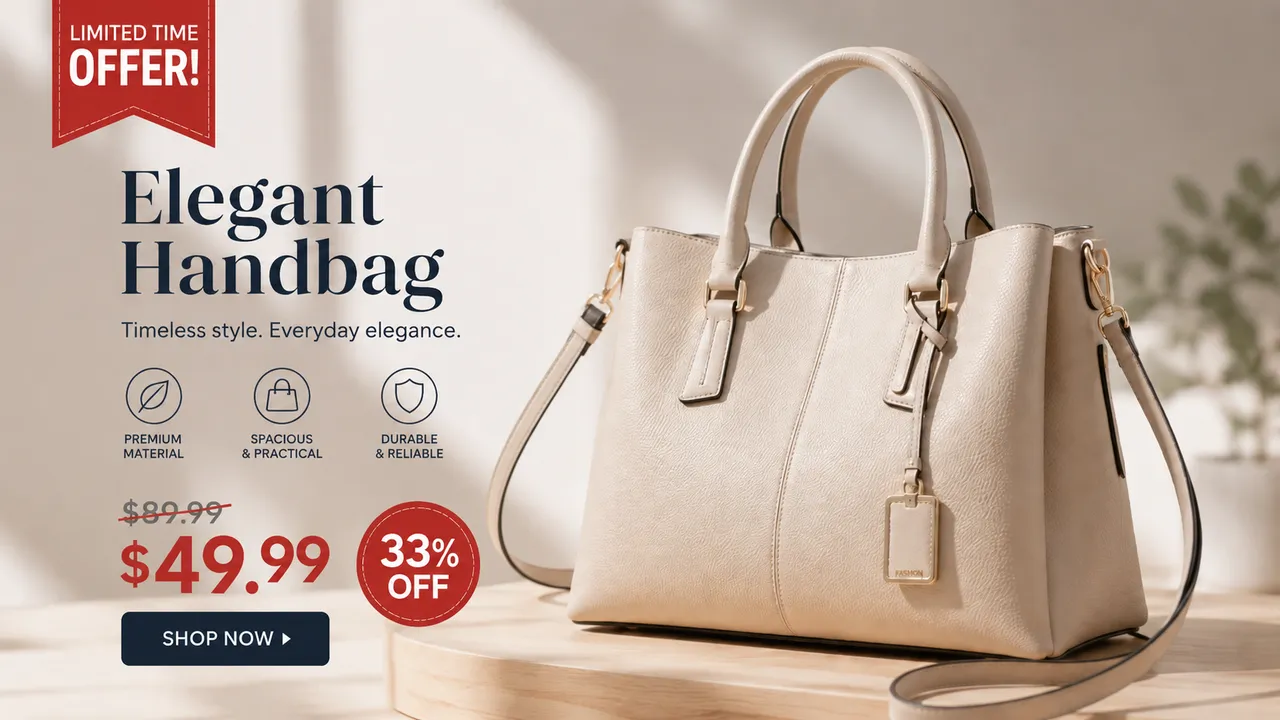
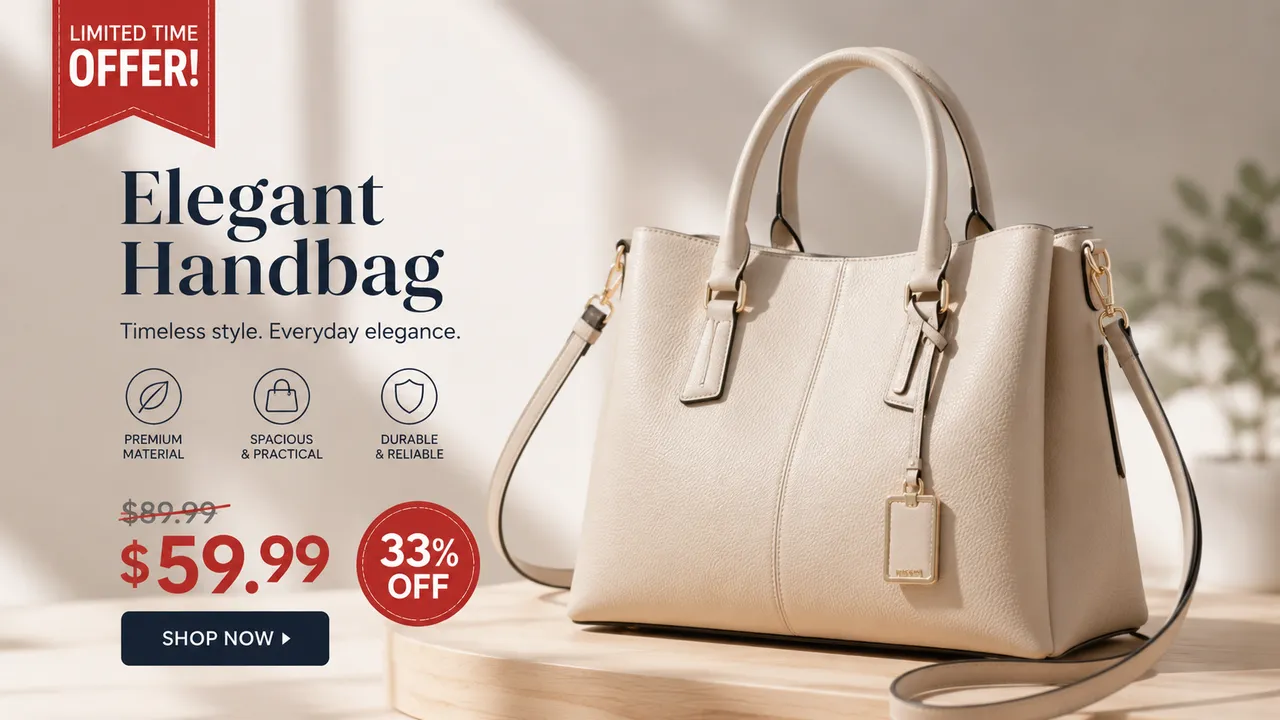
Change the headline
Swap the headline or tagline on a banner ad for a new message while keeping the fonts, colors and layout of the original design.
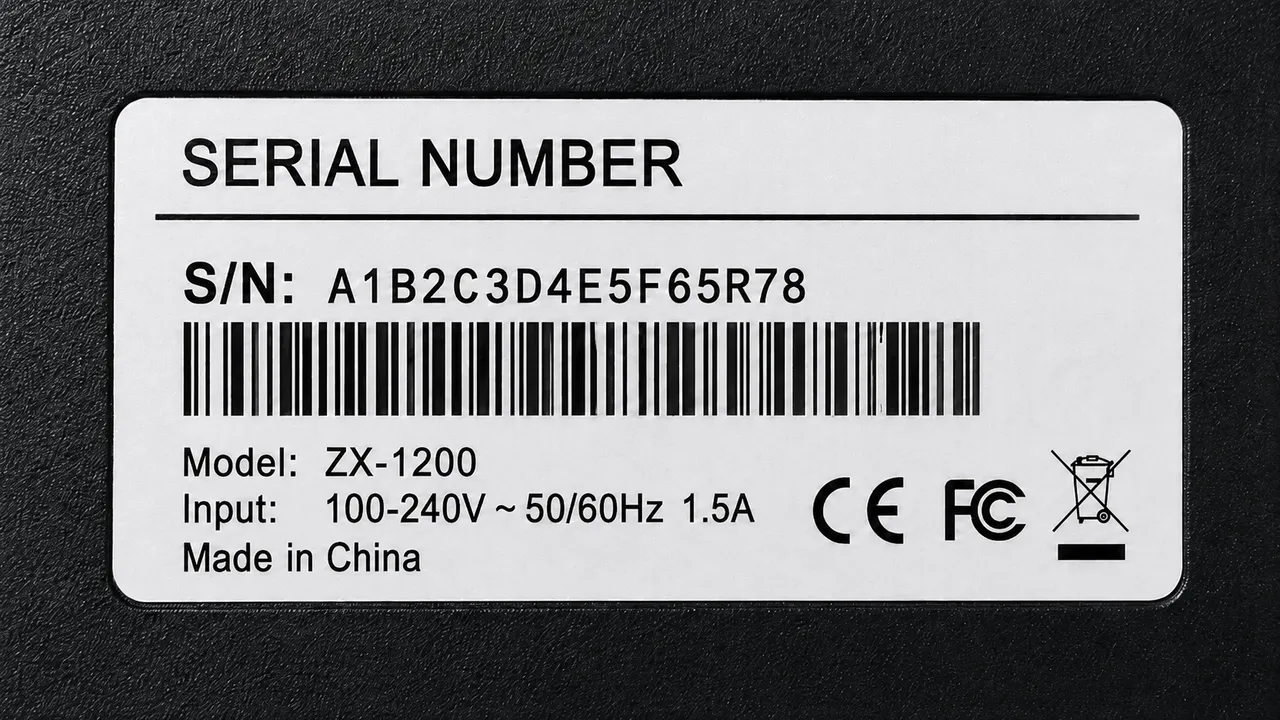
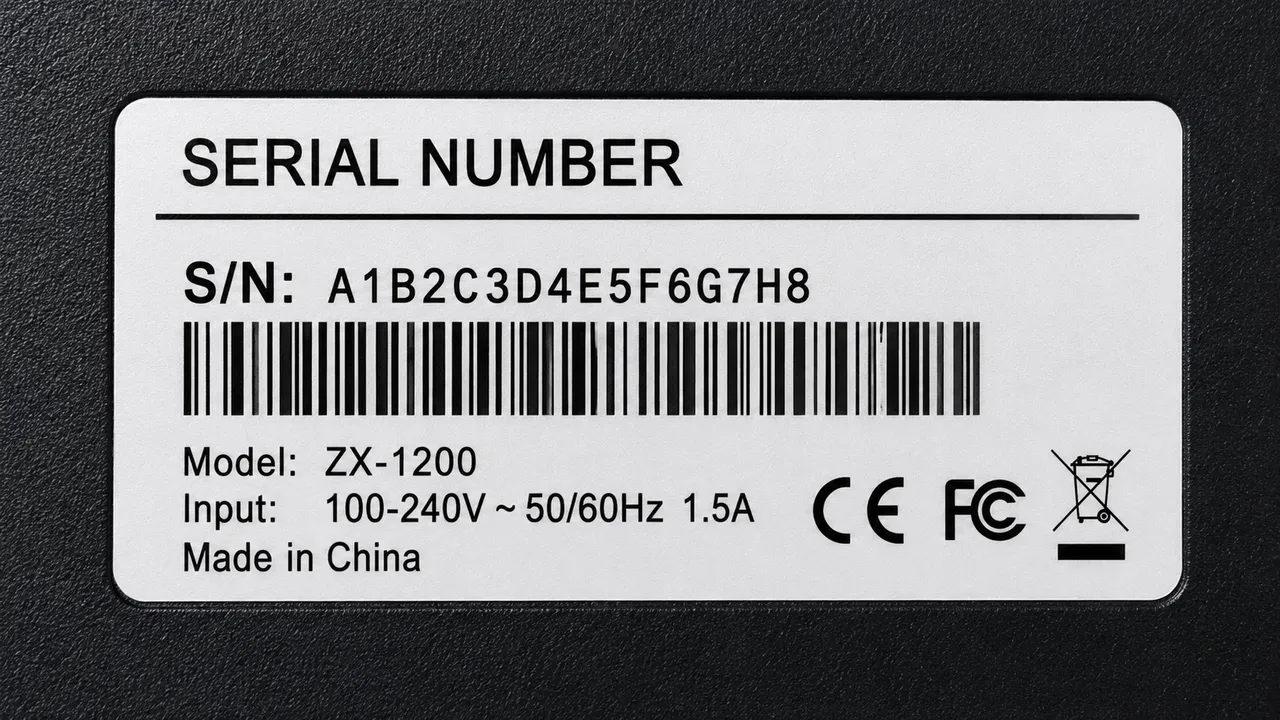
Update promo copy
Rewrite the promo line or value proposition on a display banner without touching the imagery, gradient or CTA placement.


Fix the price or promo code
Change a price, discount or promo code on a banner ad — the AI redraws the digits to match the banner style exactly.


Translate the banner
Localize a banner ad's headline and button into another language so the same creative works in a new market.
Why TextEditImage
Edit text in banner ad images without redesigning
Banner tools redesign from templates but never touch text baked into a finished ad. TextEditImage redraws words inside your existing banner — no design tool, no skills.
Edit from one sentence
Type "change the headline to Back to School Sale" and the AI handles the OCR and redraw. No manual layers, no tools.
Keeps the ad style intact
Editing text in a banner ad reads the typeface, weight, color and perspective of the banner and redraws each edit to match the original creative.
Works on finished banner files
Upload your exported ad PNG or JPG and edit the text inside it directly — exactly the file your ad platform is running.
Free online, no install
Edit text in banner ads online with no download, no subscription and no credit card to start.
3 Simple Steps
Edit a banner ad in 3 steps
No design skills, no template hunt, no learning curve.
Upload your banner ad
Drop in the display or social banner image whose text you want to change.
Write what to change
Describe the new headline, price or promo copy once — the AI applies it to the banner.
Download and redeploy
Review the edited banner, tweak if needed, then re-upload it to your banner ad platform.
The Difference
Best way to edit text in a banner ad
Canva and Adobe Express redesign banners from templates but cost time and skills; Photoshop is manual per banner; TextEditImage edits the text inside your finished ad in seconds.
| TextEditImage | Canva / Adobe Express | Photoshop | |
|---|---|---|---|
| Edits finished ad files | Yes (AI) | Template only | Yes |
| Redraws text baked in the image | Yes | Rebuild required | Manual |
| Keeps original fonts & layout | Automatic | Manual | Manual |
| One prompt for one banner | Yes | No | Per-element |
| Free to start | Yes | Free tier | Trial only |
“I kept tweaking the headline on my Google display banner. One prompt updated it and the ad kept the exact same look.”
“We repriced a promo in the middle of a campaign. Editing the banner text took seconds instead of a redesign call.”
“Localizing our Meta ad into Spanish used to mean rebuilding it. Now I translate the banner text directly.”
“Canva rebuilds banners from scratch, but that never touched my finished creative. This edits the actual file.”
“Updated a promo code on six display banners at launch. Clean, consistent and live within minutes.”
FAQ
Edit Text in Banner Ad: FAQ
What does "edit text in banner ad" mean?
Do I need to rebuild the banner in a design tool?
Can I change the headline or promo copy on a banner?
Can I update a price or promo code on an ad banner?
Can I translate banner ads into another language?
Is it safe to edit my banner ads?
Ready to edit text in your banner ad?
Start with one free banner edit — no credit card required. Then edit text in banner ads online whenever you need to.